PyPI will not read your package distributions for the image. You have to use the image’s external link, for example:
.. image:: https://raw.githubusercontent.com/greyli/flask-share/master/images/demo.png
If you are using Markdown description, use this:
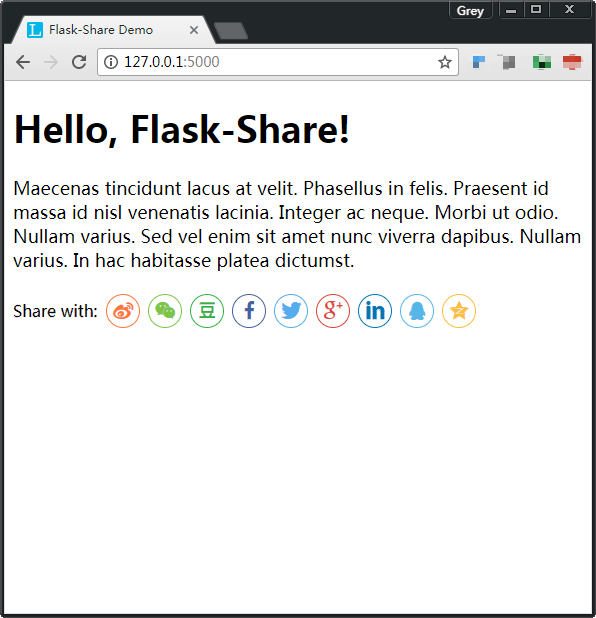
Be sure to replace the URL in the above examples with your image URL, here I use the image hosted by GitHub, the real demo is on PyPI.
P.S. To get the image’s raw link on GitHub, right-click the image and choose Copy image address.