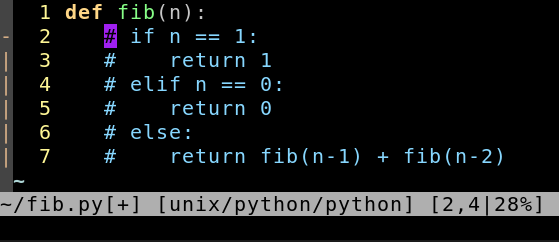
Step 1: Go to the the first column of the first line you want to comment.
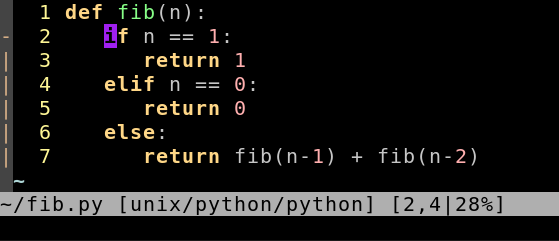
Step 2: Press: Ctrl+v and select the lines you want to comment:
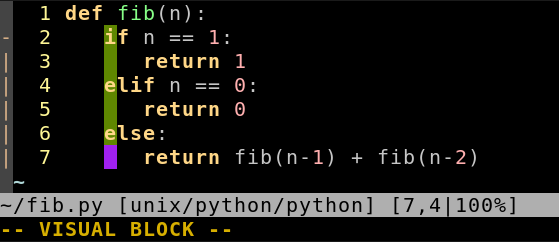
Step 3: Shift–I#space (Enter Insert-at-left mode, type chars to insert. The selection will disappear, but all lines within it will be modified after Step 4.)
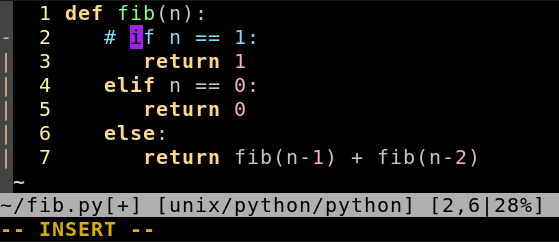
Step 4: Esc